Figma Plugin
Variables → Mapbox
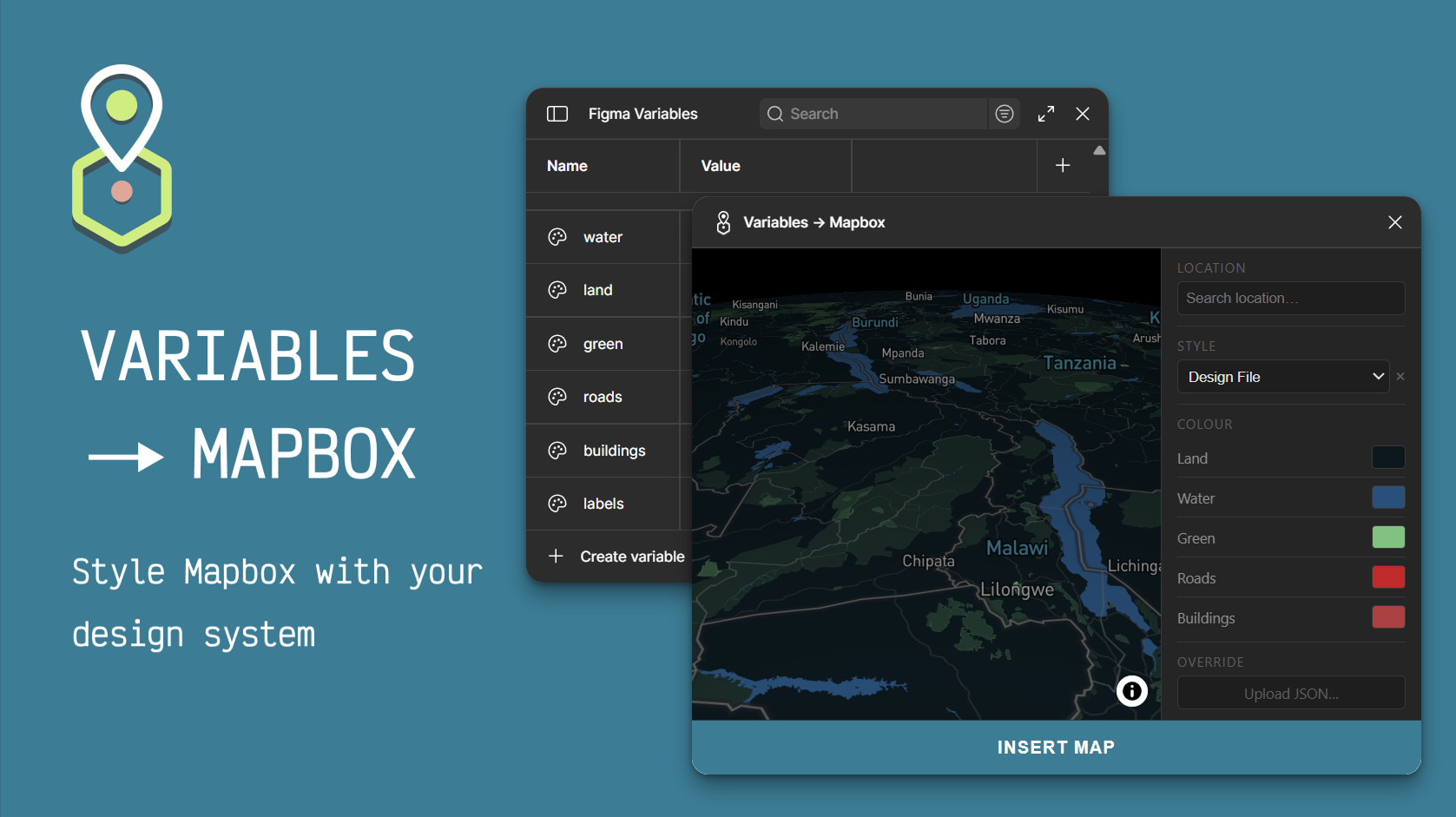
Generate styled Mapbox map images inside Figma, straight from your design system variables.
Define Figma variables and the plugin reads them automatically. Change your brand colors in your design file and sync them to the map in one click. No Mapbox Studio. No manual hex copying.
Features
Sync map colors from your Figma design file variables Pro
Upload a full Mapbox style JSON for complete control Pro
Built-in style presets: Light, Dark, Streets, Outdoors, Standard
Save and recall custom styles
Location search
Insert map directly into a selected frame, matched to exact dimensions
Light and dark Figma theme support
How it works
01
Create color variables in your Figma file named map/land, map/water, etc.
02
Open the plugin and select Design File from the Style menu.
03
Navigate to your location and adjust colors if needed.
04
Click Insert Map — the styled map is placed into your selected frame.
D
Décima Design
Horta, Azores · aqfdesign
Variables → Mapbox
$12 .99 USD
one-time · lifetime licence
What's included
Sync map colors from your Figma design file variables Pro
Upload a full Mapbox style JSON for complete control Pro
Built-in style presets: Light, Dark, Streets, Outdoors, Standard
Save and recall custom styles
Location search
Insert map directly into a selected frame, matched to exact dimensions
Light and dark Figma theme support